

TicketSuite: who it is for and use cases
TicketSuite lets organisers sell tickets with QR access control, a venue seating editor and bookings.

DivanSuite brings together diary, online booking, video consultation, an encrypted clinical record with an access log, and invoicing for psychologists.
A psychologist who works alone does, besides therapy, the diary, payments, video consultations, clinical records and invoicing. Notes for each session are often written at night, when attention is already exhausted, and clinical information needs a level of protection that a spreadsheet does not give.
DivanSuite brings together diary, online booking, video consultation, an encrypted clinical record with an access log, and invoicing for psychologists. AI only drafts notes from a session recorded with consent; the professional reviews and signs them. It is in early access: you can try it with sample patients, and work with real patients is switched on once a lawyer has validated the consent forms. It is for psychologists who work alone, centres with several professionals, and professionals who spend their evenings writing notes.

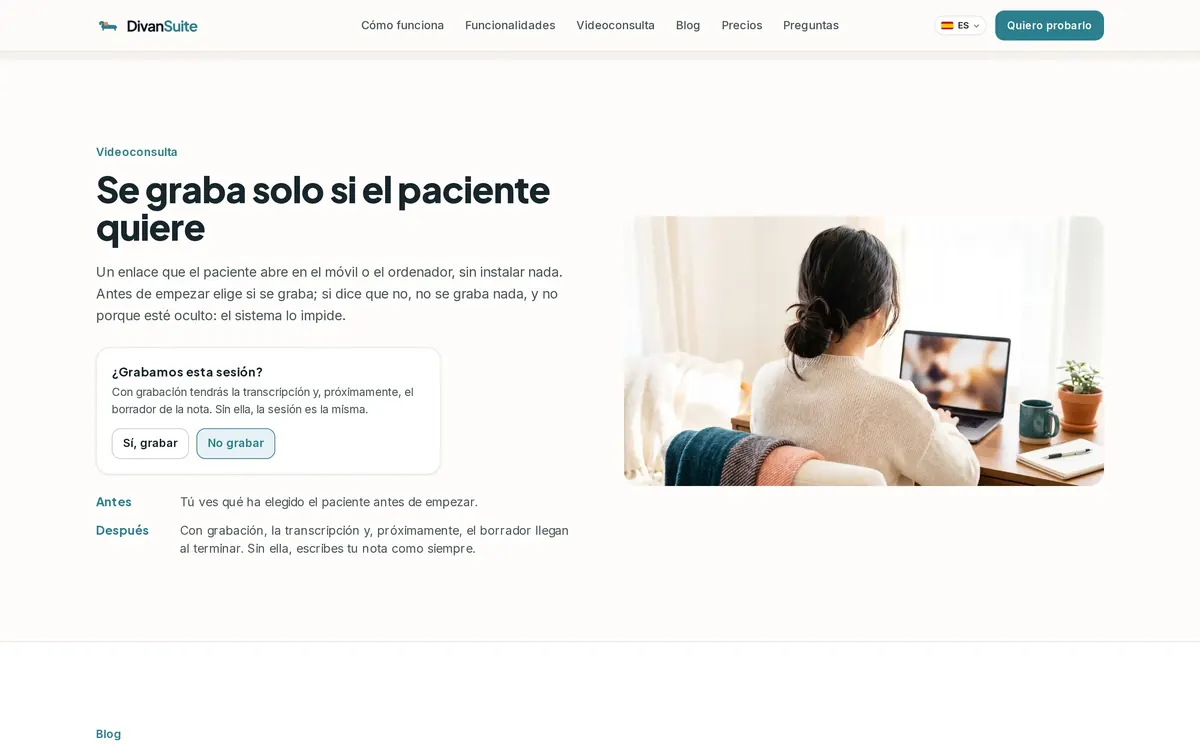
Video consultation. Online sessions are held with a separate recording consent, so the patient decides whether it is recorded.
Clinical record. It is encrypted and logs who accesses it and when, a basic requirement for data this sensitive.
AI notes. From the transcript of a session recorded with consent, the AI proposes a draft without diagnoses, which the professional reviews and signs.
Crisis protocol. It includes guidance with the phone numbers 024, 016 and 112 for situations of risk.
Since DivanSuite does not yet accept real patients, the useful thing now is to prepare: review how you keep clinical records today, what consent forms you use to record sessions and what you want a note to contain. Join the early access so that we let you know the day it is switched on.

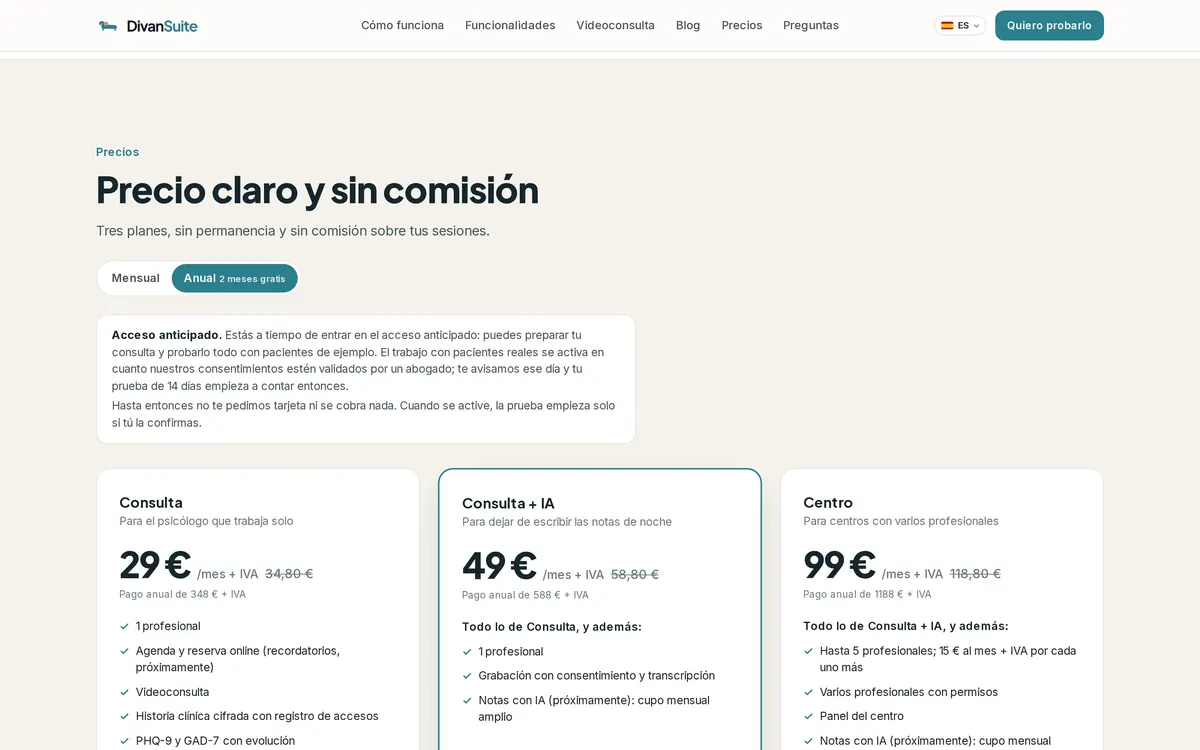
DivanSuite is in early access and does not yet accept real patients. AI only drafts notes from a session recorded with consent, and the professional reviews and signs them: it does not diagnose. Prices are those published on its website, excluding VAT and billed annually.
Once it is open, a typical day could look like this: a psychologist holds a video consultation with the separate recording consent. When it ends, the AI proposes a draft note. She reviews it, corrects it and signs. The system logs who accesses the clinical record and when. In the evening, she has no notes left to write.
To find out whether DivanSuite is working for you, start with a single use case, for example "Video consultation", and assess it over a few weeks with three questions. Does it really solve the problem for psychologists who work alone? Does the team use it without being reminded? Is the monthly cost reasonable compared with what it saves you from losing? If all three answers are yes, extend to a second case, such as "Clinical record". If any fails, it is better to adjust the configuration or change plan than to add more usage.
The professional gets back time spent on notes and admin to see more patients or to rest better. Fewer hours of paperwork mean more capacity without a longer working day.
The centre has the whole team in a single system, with diary, records and invoicing in one place.
DivanSuite relates to LearnSuite, if the professional also wants to teach, and to VideoSuite, which handles video consultation with recording. Since it does not yet accept real patients, the honest recommendation is to join the early access.
DivanSuite shares its core with the rest of the range: account, billing, assistant and the way you ask for help are the same pieces the other suites use. If you already use another product in the portfolio, that means less to learn, and improvements to a shared piece reach all of them.
The simplest way is to see it with your own data: go to https://divansuite.pro, watch the demo and test it against your case. Since it is still in development, it is best to start with something small and low-risk. If you would rather talk to a person, you can ask, but it is not needed to get started.
You may also like


Your practice in one place, and session notes no longer wait until the evening. Its product page lists the plans, who it is for and how to start.
See the product page of DivanSuiteTicketSuite lets organisers sell tickets with QR access control, a venue seating editor and bookings.

TransfersManager manages transfers and VTC: a booking website with online payment, driver assignment, driver and passenger apps, and a marketplace of services between operators.

TrichoSuite brings together CRM, calendar, clinical records, quotes with a 3D model, patient portal and video consultations for hair transplant clinics.