
Memchats: who it is for and use cases
Memchats imports WhatsApp, Telegram and Instagram conversations, and its adviser Alma understands the history to suggest how to carry on.

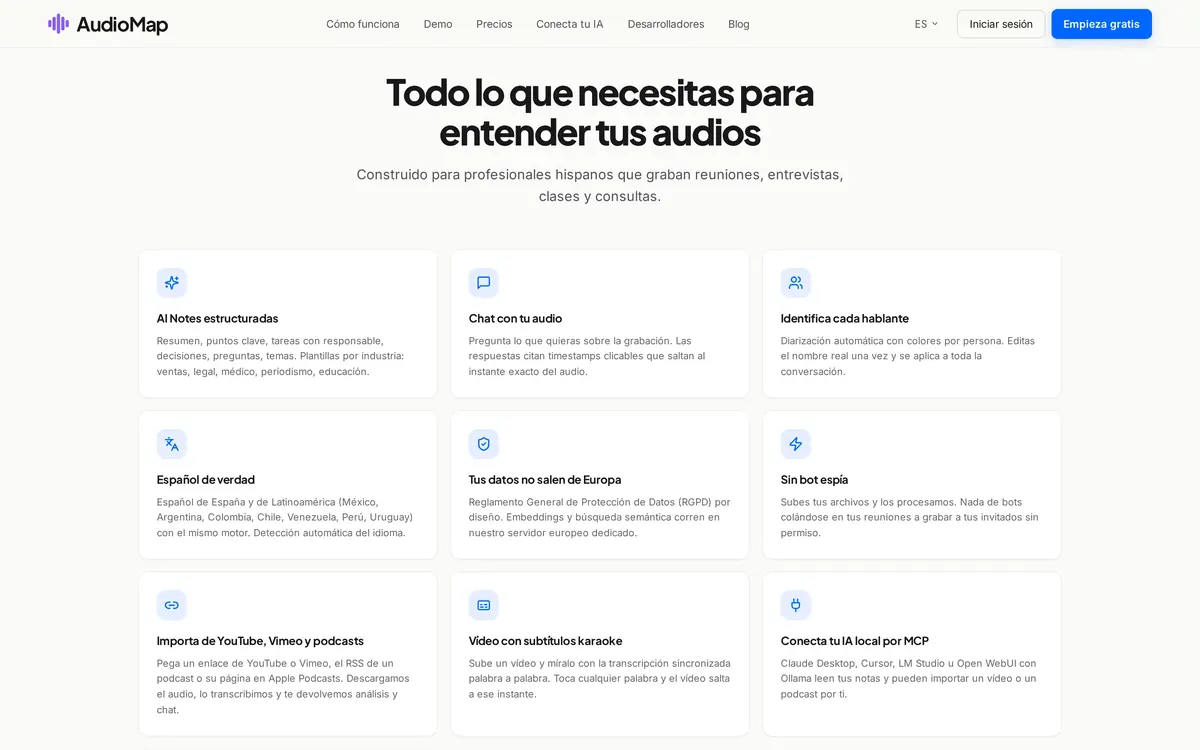
AudioMap transcribes Spanish audio and video with speaker identification and generates notes with AI templates, mind maps and a chat that cites the audio.
There is a lot of talking and little remembering. An hour-long meeting produces decisions, deadlines and nuances that, three days later, nobody remembers the same way. Writing the minutes by hand is slow, and an untranscribed recording is almost useless: nobody has time to listen to the whole thing again to find one minute.
AudioMap transcribes Spanish audio and video with speaker identification and generates notes with AI templates, mind maps and a chat that cites the audio. It transcribes with AssemblyAI in its European Union region and stores the audio on Cloudflare R2; the web chat and notifications use providers in the United States. It is for freelancers and students who record classes or meetings, professionals who need reliable minutes and summaries, and teams that want a shared knowledge base.
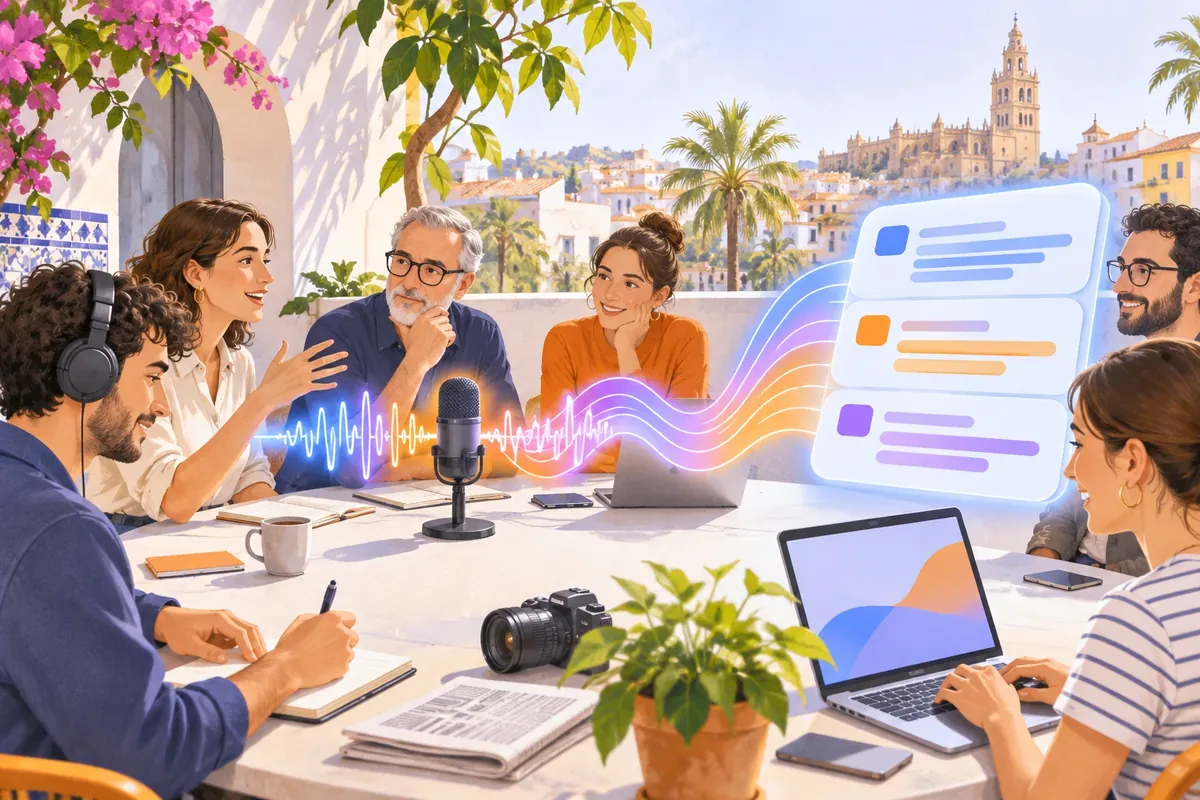
Meeting minutes. An accountancy firm records its weekly meeting with a client. AudioMap transcribes it, tells who says what and produces structured minutes with an AI template, covering what was agreed and what is pending.
Ask the audio. A student records a two-hour class and wants to review only what the teacher said about one topic. Instead of listening again, they ask in the chat and get the answer with the exact quote from that moment in the audio.
Team knowledge. When someone leaves a company, they take what they knew with them. A shared base where meetings and calls accumulate keeps that knowledge in the company and makes it searchable.
Connect to your AI. With a REST API and an MCP server, AudioMap content can be queried from other tools, for example from an AI assistant you already use every day.
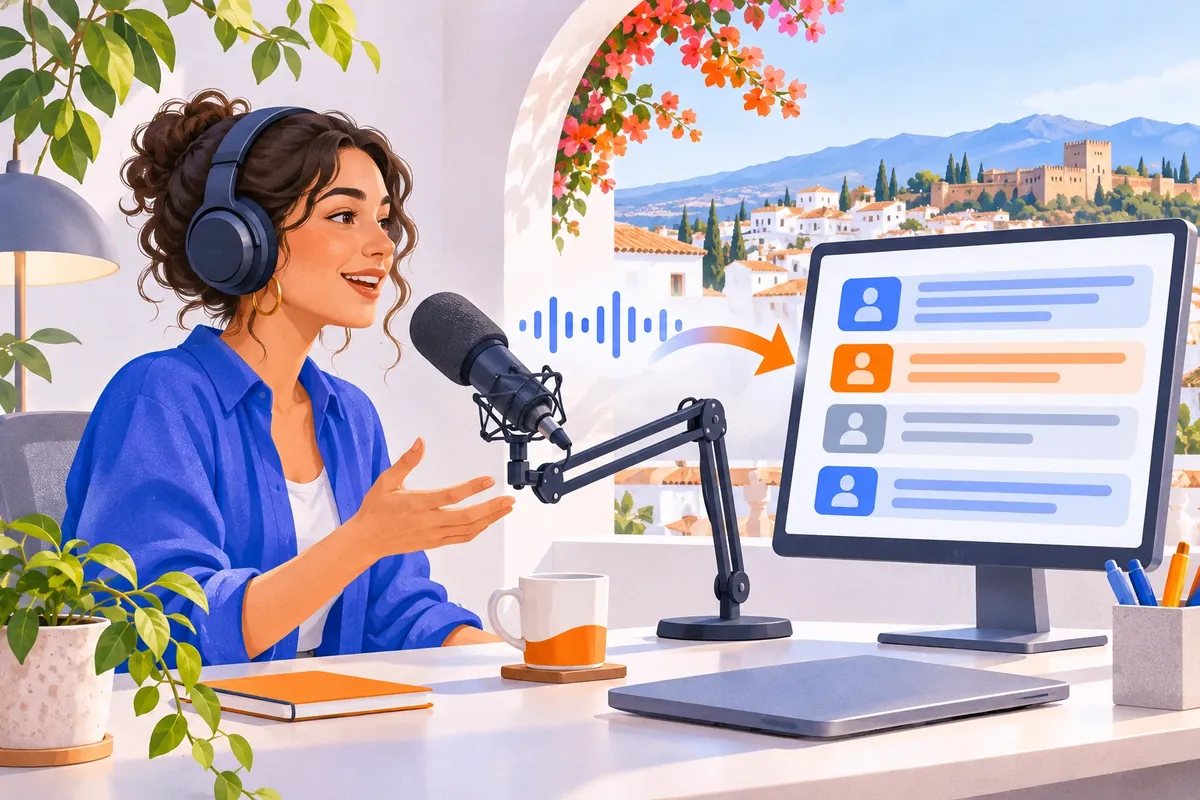
For a good result, look after the recording: a close microphone, little reverb and, if several people are present, no one talking over each other. Also decide which note template you need: meeting minutes are not like a class summary. If you work with sensitive information, check what is shared with whom before uploading audio. With that preparation, the system works with material that makes transcription and speaker identification easier.
AudioMap transcribes Spanish audio and video, and that is what it is built for: it is not a translation service and it does not guarantee a perfect transcript from poor-quality audio. AI-generated notes should be reviewed before being sent as official minutes. Some features, such as the REST API or webhooks, require specific plans, and the included minutes are monthly, so anyone who records a lot should work out their usage.
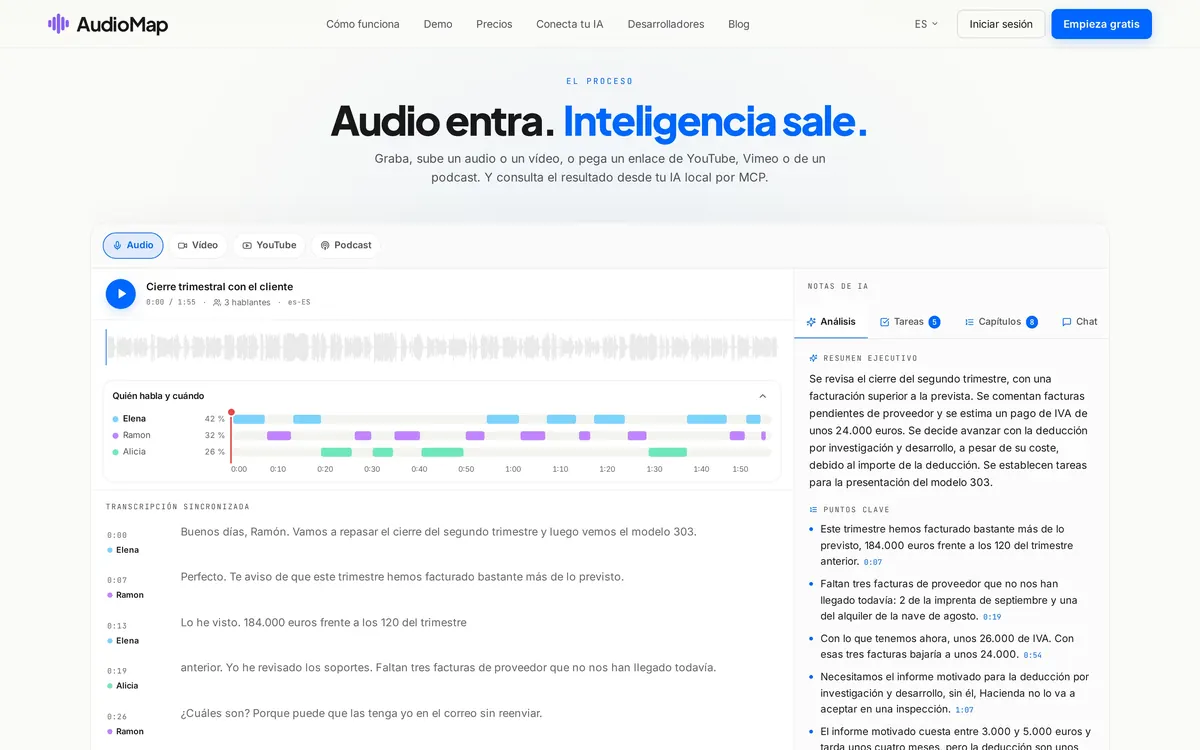
A consultancy has three meetings on Tuesday. It records each one and uploads them. By the end of the day, AudioMap has transcribed all three, with speakers identified, and produced minutes for each with what was agreed and what is pending. On Wednesday, a colleague asks in the chat what was said about a client's budget and gets the answer with a quote from the exact moment in the audio.
To know whether AudioMap is working for you, start with a single use case, for example “Meeting minutes”, and assess it over a few weeks with three questions. Does it really solve the problem of freelancers and students who record classes or meetings? Does the team use it without being reminded? Is the monthly cost reasonable compared with what it saves you from losing? If all three answers are yes, extend to a second use case, such as “Ask the audio”. If any fails, it is better to adjust the setup or change plan than to add more usage.
The company's meetings and calls stop being conversations that get forgotten and become a searchable base. Whoever sells or advises gets back hours spent writing minutes and follow-ups, and those hours can go to serving more clients.
A shared base also makes it easier to onboard new people, who can look up what was decided and why.
AudioMap connects naturally with VideoSuite, which records and transcribes video calls, with MemoryFirst, which stores the company's decisions and context, and with Memchats, for messaging conversation history. Because it offers an API and MCP, it can feed other AI tools you already use.
Easiest is to see it with your own data: go to https://audiomap.ai, watch the demo and try it on your case. If you would rather talk to a person, you can ask for that, but it is not needed to get started.
You may also like



Transcribe meetings and audio and turn them into notes, maps and answers. Its product page lists the plans, who it is for and how to start.
See the product page of AudioMapMemchats imports WhatsApp, Telegram and Instagram conversations, and its adviser Alma understands the history to suggest how to carry on.

MemoryFirst stores decisions, facts and context in a temporal graph with citations, resolves contradictions, and offers it to your company's AIs through MCP.

TubExperto indexes the videos of a channel and lets you ask the expert, with the answer cited to the exact second.