
AudioMap: who it is for and use cases
AudioMap transcribes Spanish audio and video with speaker identification and generates notes with AI templates, mind maps and a chat that cites the audio.
VideoSuite records your own meeting room with notice to participants, transcribes, produces a report and infographics, and lets you ask one or all of your meetings.
Video calls with clients are the very work of many professionals: advisers, lawyers, doctors, trainers. But what is said gets lost. Taking notes during the session is distracting, and a recording that is neither transcribed nor analysed goes unused. On top of that, sending links from different tools gives a careless impression.
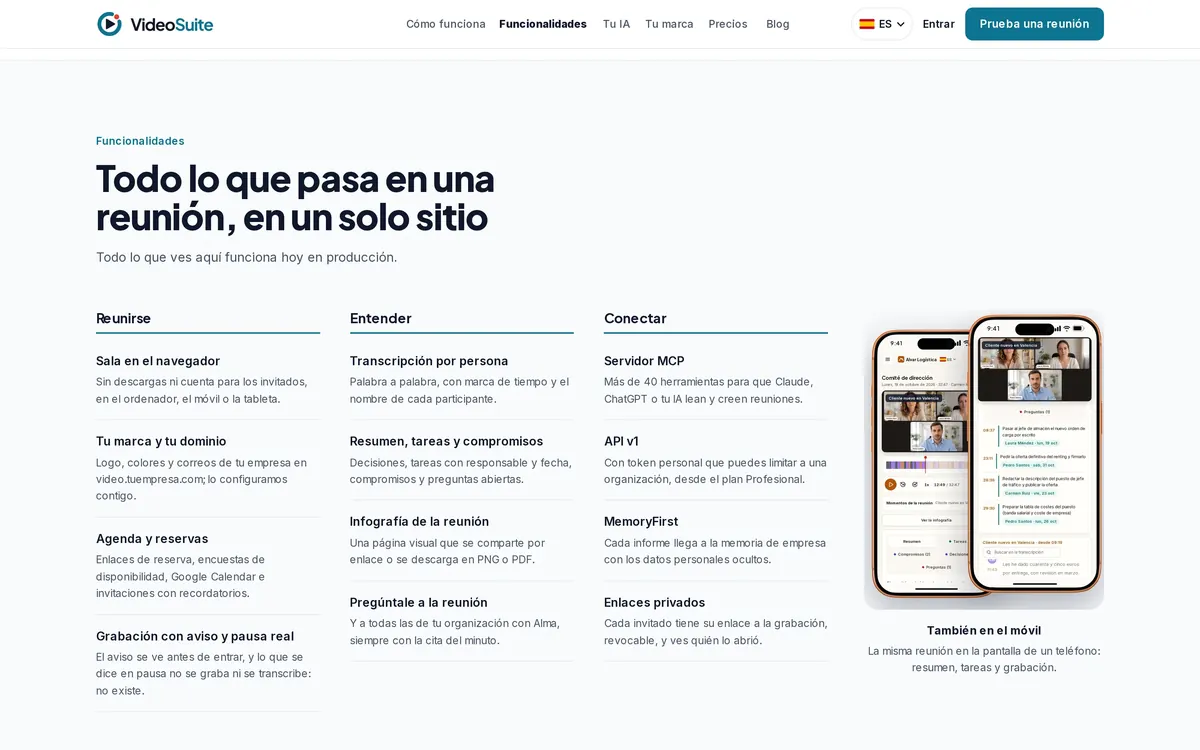
VideoSuite records your own meeting room with notice to participants, transcribes, produces a report and infographics, and lets you ask one or all of your meetings. It works in the browser, with no bot and no installation, with optional white label. It is for advisers, lawyers, doctors and trainers, firms, clinics and academies, and products that need built-in video calls.
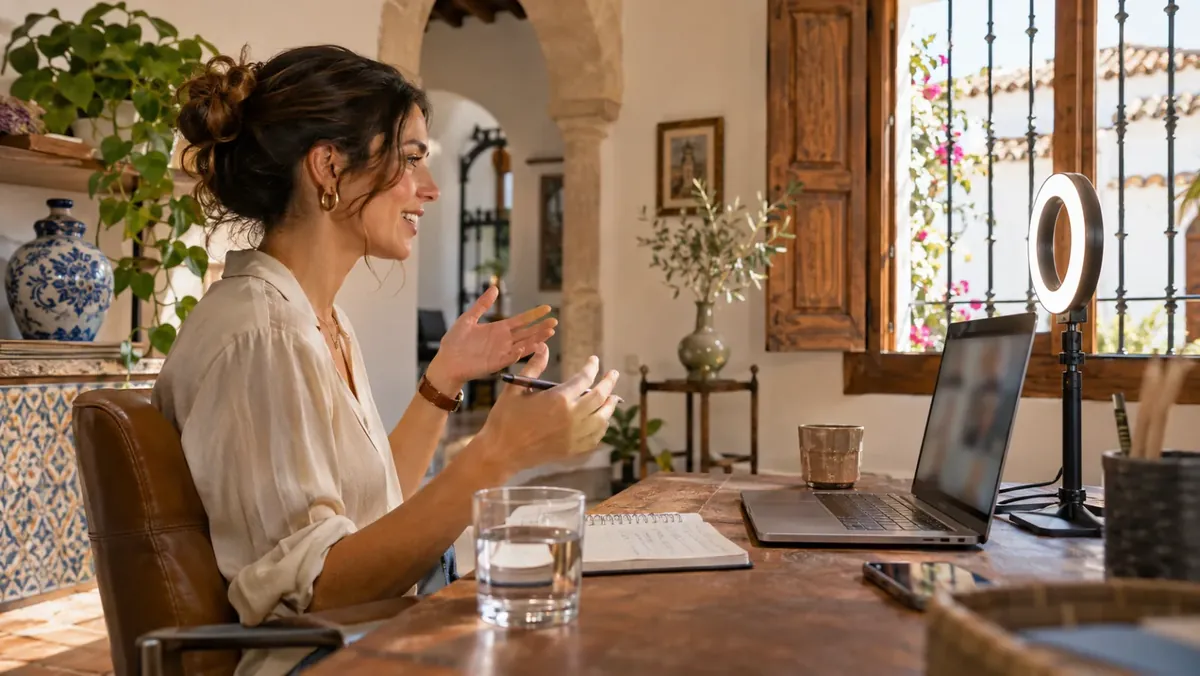
Client meetings. An adviser holds a follow-up meeting. Participants are told it is being recorded, it is transcribed and a report arrives, without her taking notes.
Ask your meetings. Months later, someone asks what was said about a topic and queries all the meetings at once.
Paid 1:1 sessions. One-to-one sessions can be charged for without setting up another tool, since payment is built into other products in the portfolio.
Your own brand. The room, the emails and the access links carry the client's brand, not ours.
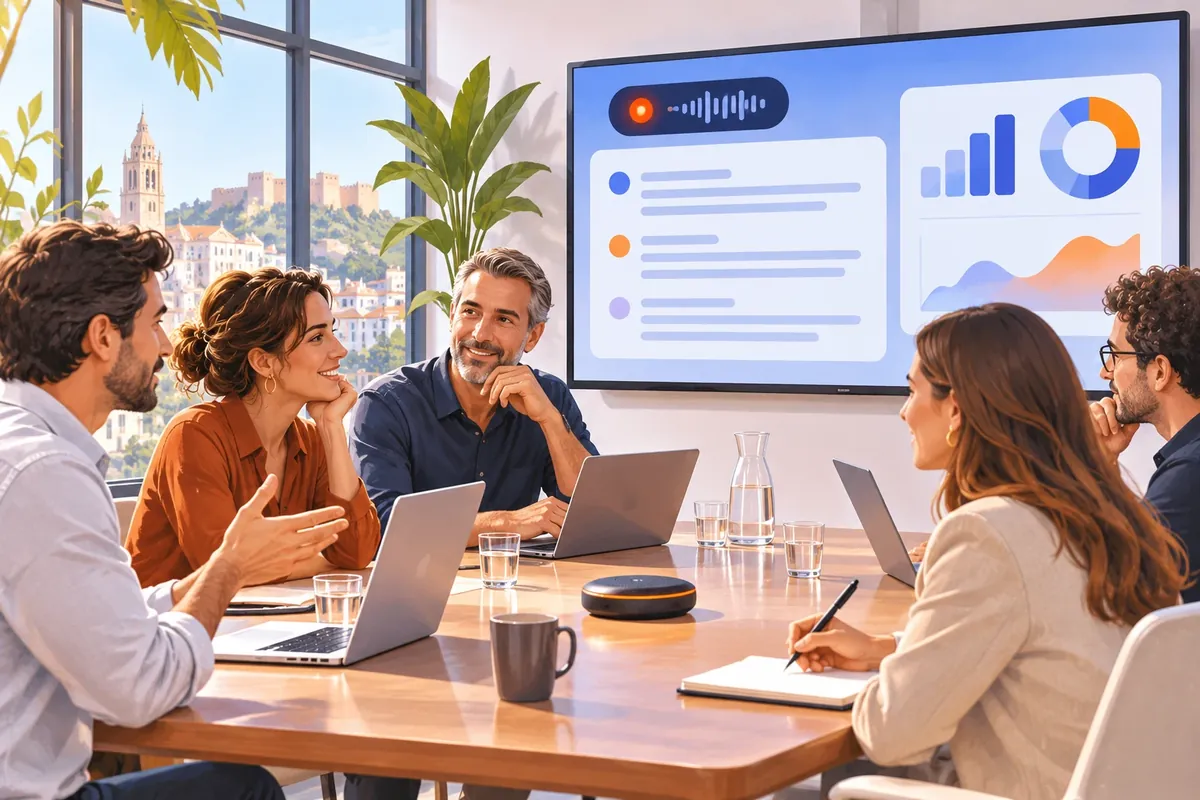
Decide which meetings you want to record and how you will notify participants, because recording is always announced. Choose whether you will use the room with your brand (white label, a paid extra). Gather the report templates you need and think about who will have access to the transcripts.
VideoSuite records your own meeting room; it does not join meetings on other platforms as a bot. The included minutes are monthly, and white label is an extra on Professional and included in Team. What is recorded must be handled with the participants' consent and notice.
A lawyer has a meeting with a client. Everyone receives the recording notice on entering. At the end, VideoSuite delivers the transcript and a report. Two weeks later, the lawyer asks all her meetings what was said about a deadline and gets the answer.
To know whether VideoSuite is working for you, start with a single use case, for example “Client meetings”, and assess it over a few weeks with three questions. Does it really solve the problem of advisers, lawyers, doctors and trainers? Does the team use it without being reminded? Is the monthly cost reasonable compared with what it saves you from losing? If all three answers are yes, extend to a second use case, such as “Ask your meetings”. If any fails, it is better to adjust the setup or change plan than to add more usage.

Every client meeting leaves minutes and an analysis with no manual work, and the company can search everything that was said. Customer service gains continuity.
1:1 sessions can be charged for without setting up another tool, which lets you monetise knowledge with less friction.
Recording a meeting only works if every participant knows about it. VideoSuite notifies participants on entry, and that transparency is the basis for clients and patients feeling comfortable. It helps to explain beforehand why the recording is made and who will have access, and to offer an alternative when someone does not want to be recorded. With that clarity, recording stops being a nuisance and becomes a guarantee that what was agreed is in writing.
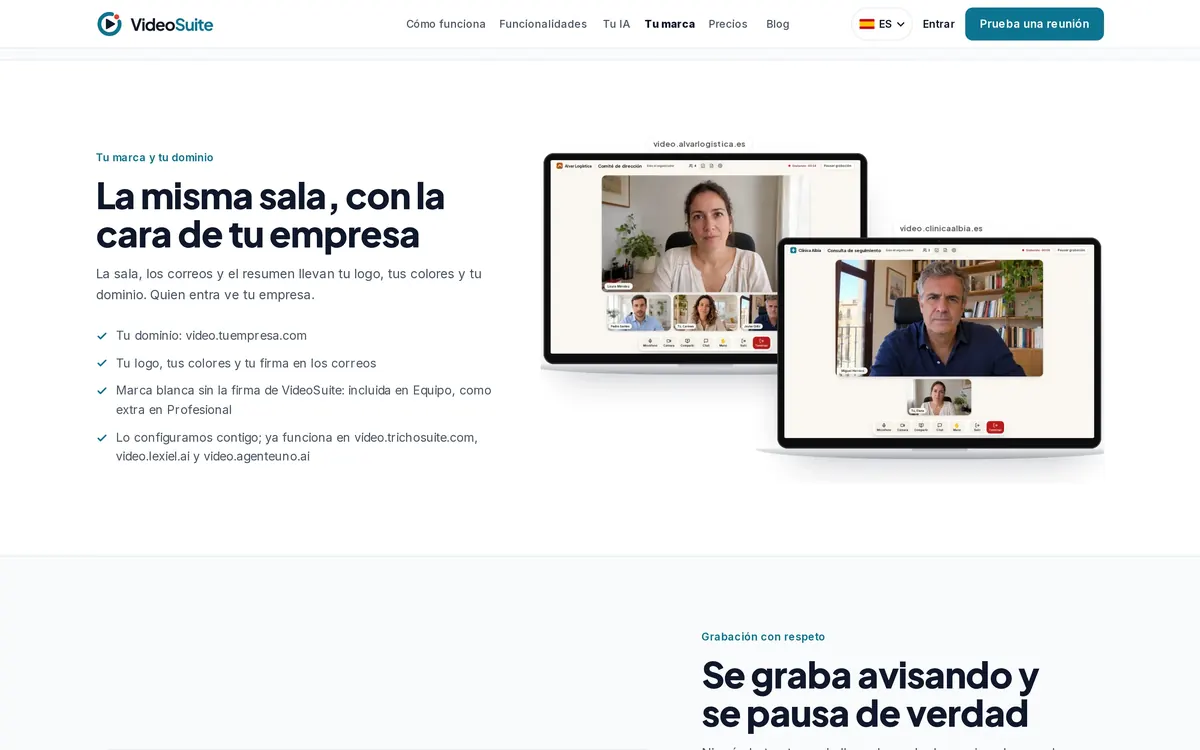
VideoSuite shares transcription with AudioMap, the charging of 1:1 sessions with AlmaSuite, MentorSuite and LearnSuite, and video consultation with DivanSuite. That makes it one of the most reused pieces of the portfolio: what improves in one room benefits everyone who uses it.
VideoSuite shares its core with the rest of the range: account, billing, assistant and the way you ask for help are the same pieces the other suites use. If you already use another product in the portfolio, that means less to learn, and improvements to a shared piece reach every product.
Easiest is to see it with your own data: go to https://videosuite.pro, watch the demo and try it on your case. If you would rather talk to a person, you can ask for that, but it is not needed to get started.
You may also like



Your meetings, with your brand, turned into your company's knowledge. Its product page lists the plans, who it is for and how to start.
See the product page of VideoSuiteAudioMap transcribes Spanish audio and video with speaker identification and generates notes with AI templates, mind maps and a chat that cites the audio.
BeautySuite puts an assistant on your salon's website: chat at any hour and a call button, using your real treatment menu, with every call recorded in the dashboard.
ClinicSuite brings together scheduling, a patient portal, digital consent forms, medical images and warranties in one management system for clinics.